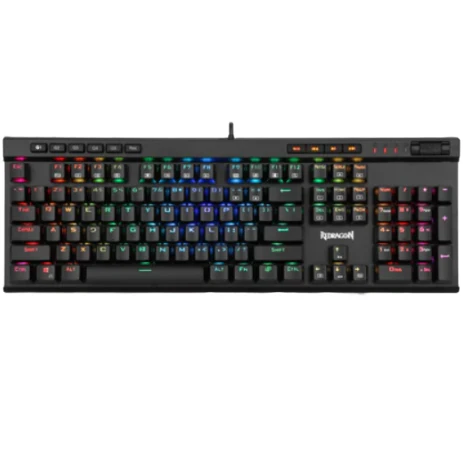
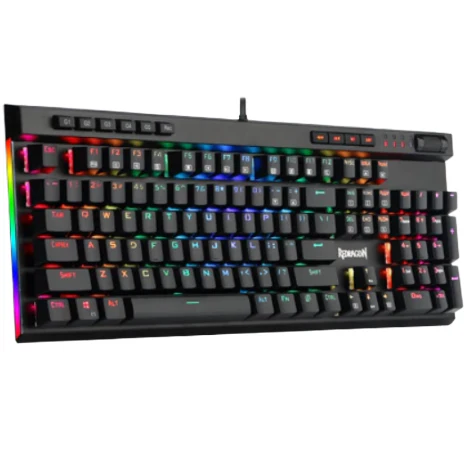
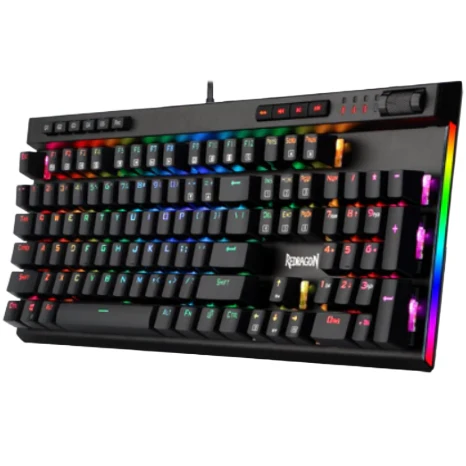
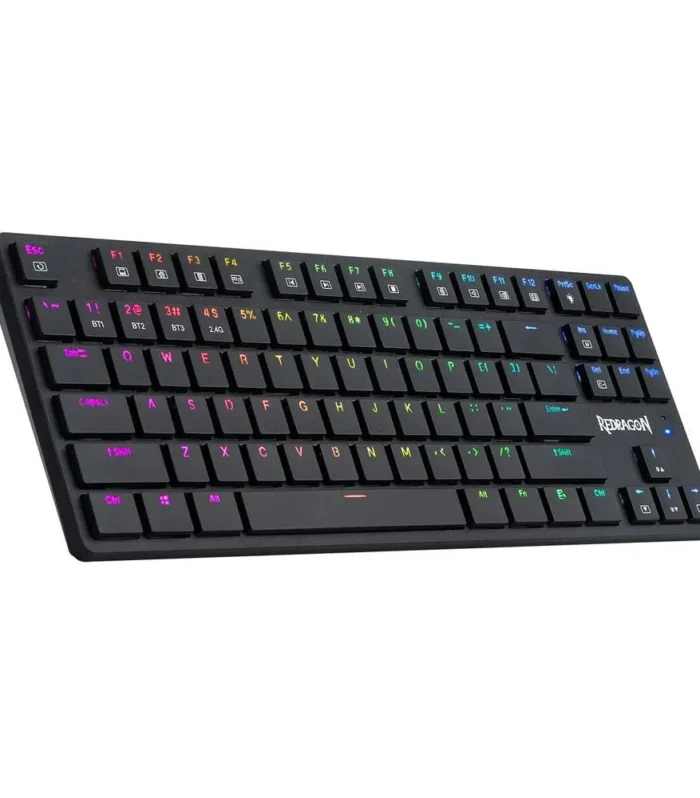
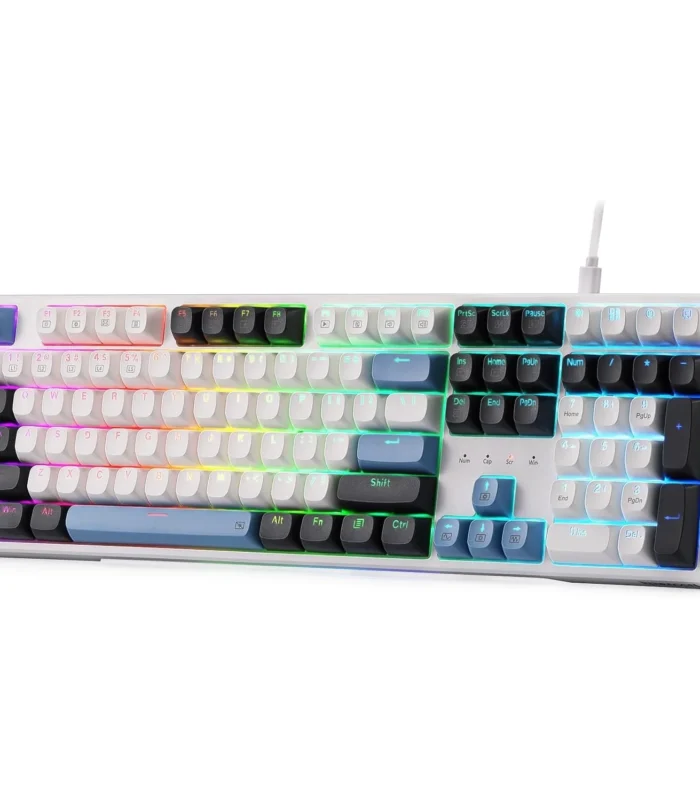
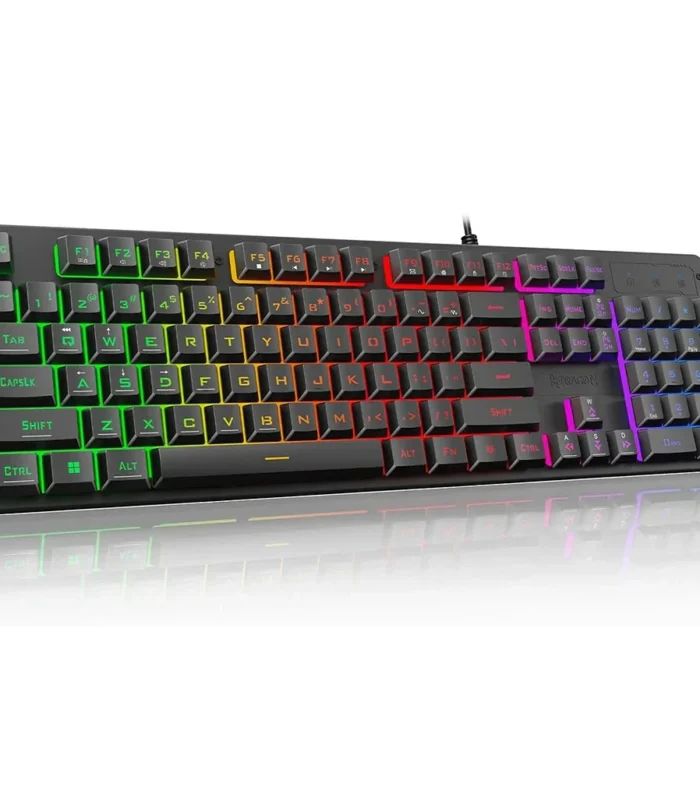
Redragon K580 VATA RGB LED Backlit Mechanical Gaming Keyboard 104 Keys Anti-ghosting with Macro Keys & Dedicated Media Controls, Onboard Macro Recording (Blue Switches)
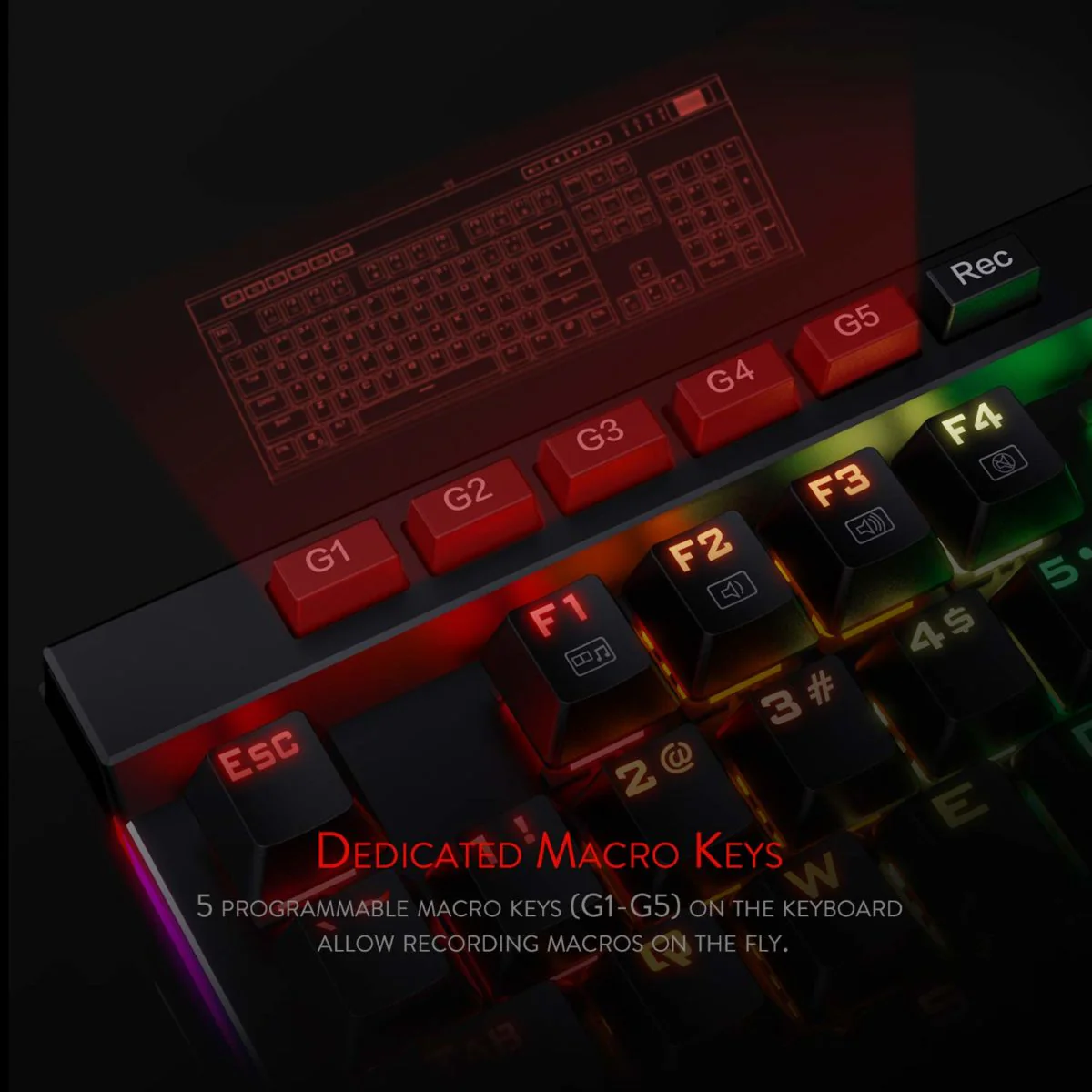
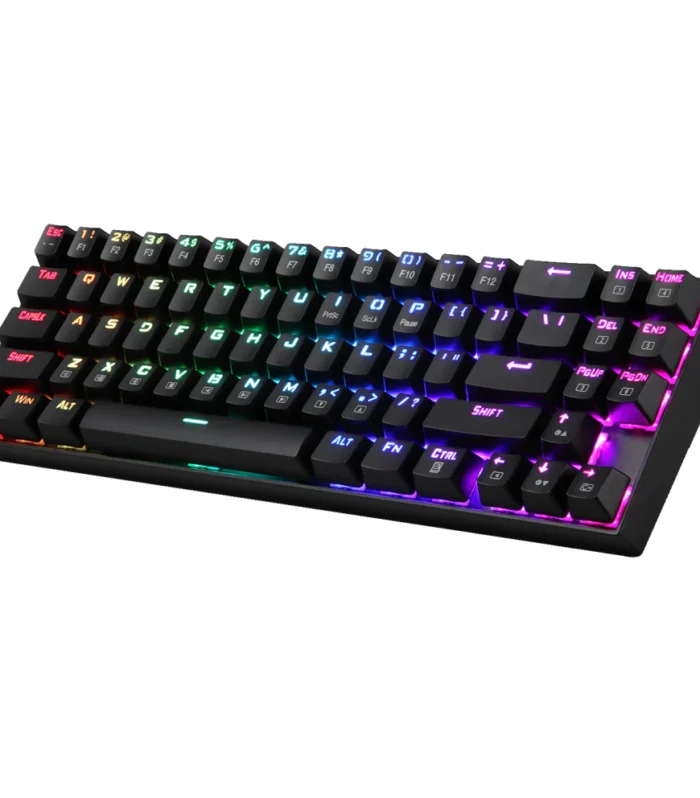
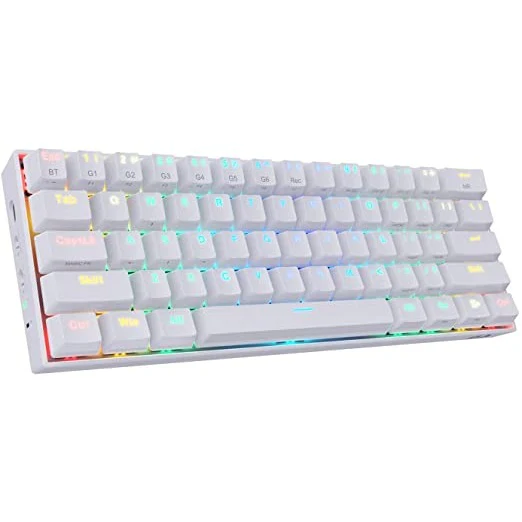
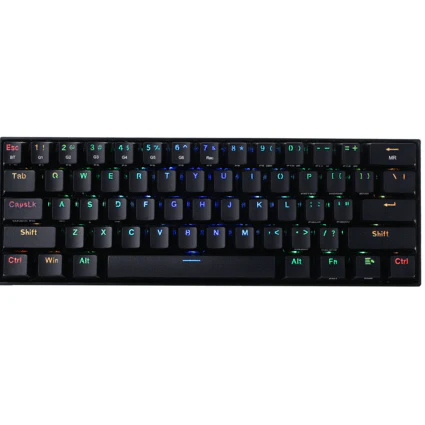
Redragon K580 Vata RGB LED backlit mechanical gaming keyboard have 5 programmable macro keys (G1~G5) on the keyboard which can be recorded macros on the fly without any additional software required to be installed. Easy to edit and DIY your stylish keyboard. (No CD software included)

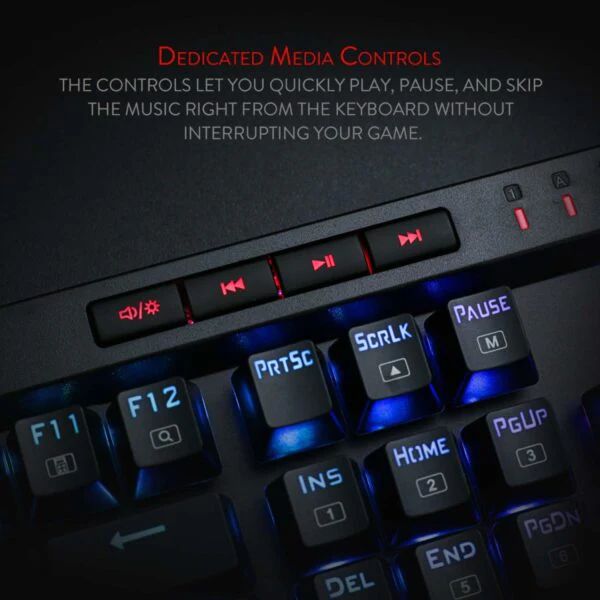
Dedicated Multimedia Controls
Dedicated media controls let you quickly play, pause, skip the music right from the keyboard without interrupting your game. Also, designed with a volume/backlight adjust wheel, it’s easy to adjust volume or backlight brightness directly with the wheel in the upper right side of the keyboard. Very convenient and cool looking
N-Key Rollover
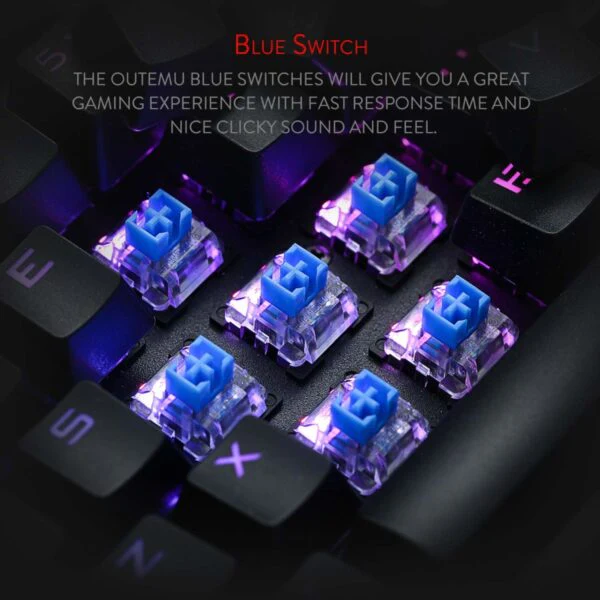
104 keys anti-ghosting allows you to simultaneously click multiple keys. The floating keys and OUTEMU blue switches will give you a great gaming experience with fast response and nice clicky sound.

RGB Backlight
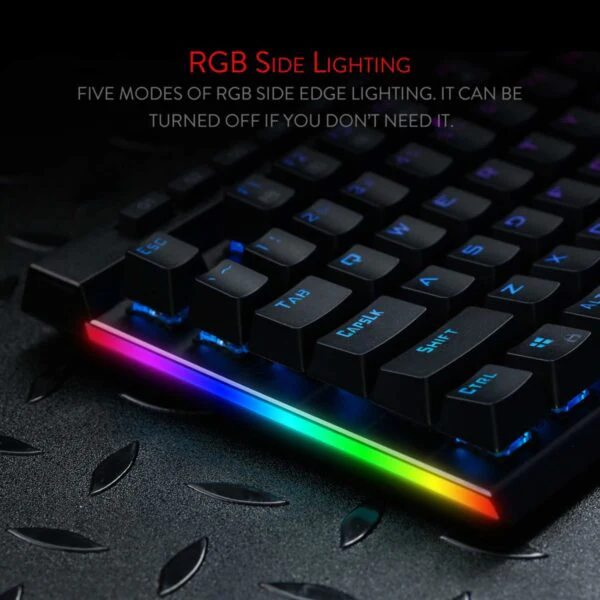
18 backlight models allow you to type in the dark. You can adjust its brightness with a control wheel or FN + Up/Down. 5 modes of RGB side edge lighting. The color of each key lighting on the keyboard can be customized easily without installing software, a great choice to DIY your stylish keyboard.
Durability
50 million times keystroke test, small actuation force, and short travel make it. Special Double-shot injection molded keycaps never fade Key color. Waterproof and dust resistant.

Features:
- 5 programmable macro keys
- RGB side edge lighting
- WIN key can be disabled for gaming
- 12 Dual action FN and multimedia keys
- Dedicated media controls and volume/brightness adjusting wheel
- All 104 keys are 100% conflict free, anti-ghosting
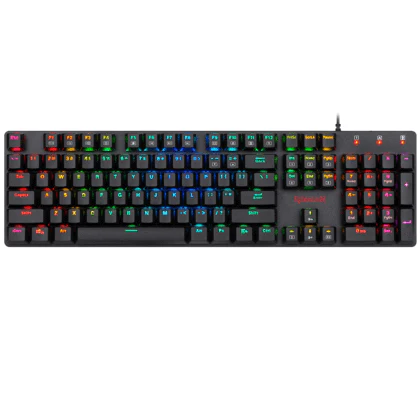
- Full-Size keyboard with 104 standard keys, full numeric keypad
Keyboard Setting:
Marco recording function the default setting of the five G keys (ESC+G1~G5) are the same as F1~F5 correspondingly.
Marco recording function:
Step 1: Press [Rec] to start record (The four LEDs flash simultaneously)
Step 2: Press one of the five G keys and it lights up (G1~G5)
Step 3: Press keys to be recorded
Step 4: Press [Rec] once again to save the recording. The [Rec] also lights up.
For example, record 123 on G1: [Rec]G1?123 [Rec]
How to clear the recording
To clear a single recorded macro key: Press [Rec] + desired G key (G1-G5) you need to delete, then press [Rec] again. To delete all recorded macro keys (G1-G5): Press and hold [REC] for 5 seconds, the light of [REC] and G key goes off.
Two sides Lighting Setting
Press FN + [PAUSE] to switch 5 lighting modes on two sides.
Press FN + [SCRLK] to adjust the lighting speed on two sides.
Specifications:
- Connector: USB
- LED backlit color: RGB
- Keyboard Size: 17.6 x 7.6 x 1.5 inches
- Keyboard Weight: 2.64 pounds
- Multimedia keys: 12
- Programmable macro keys: 5
- Material: Aluminum alloy +ABS
| Weight | 1 kg |
|---|


Reviews
There are no reviews yet.